Know what changed in your Microsoft 365 security posture.
Maester Cloud builds on Maester, the open-source security test framework for Microsoft 365. Bring your existing Maester runs with one extra cmdlet, or let Maester Cloud run them for you. Either way you get a portal that keeps 5+ years of tenant history, highlights drift between runs, and alerts you the moment it changes.
Deploy it in your own Azure subscription today. Your subscription also keeps the Maester core open and free for everyone. Want it hosted for you instead? Join the waitlist.
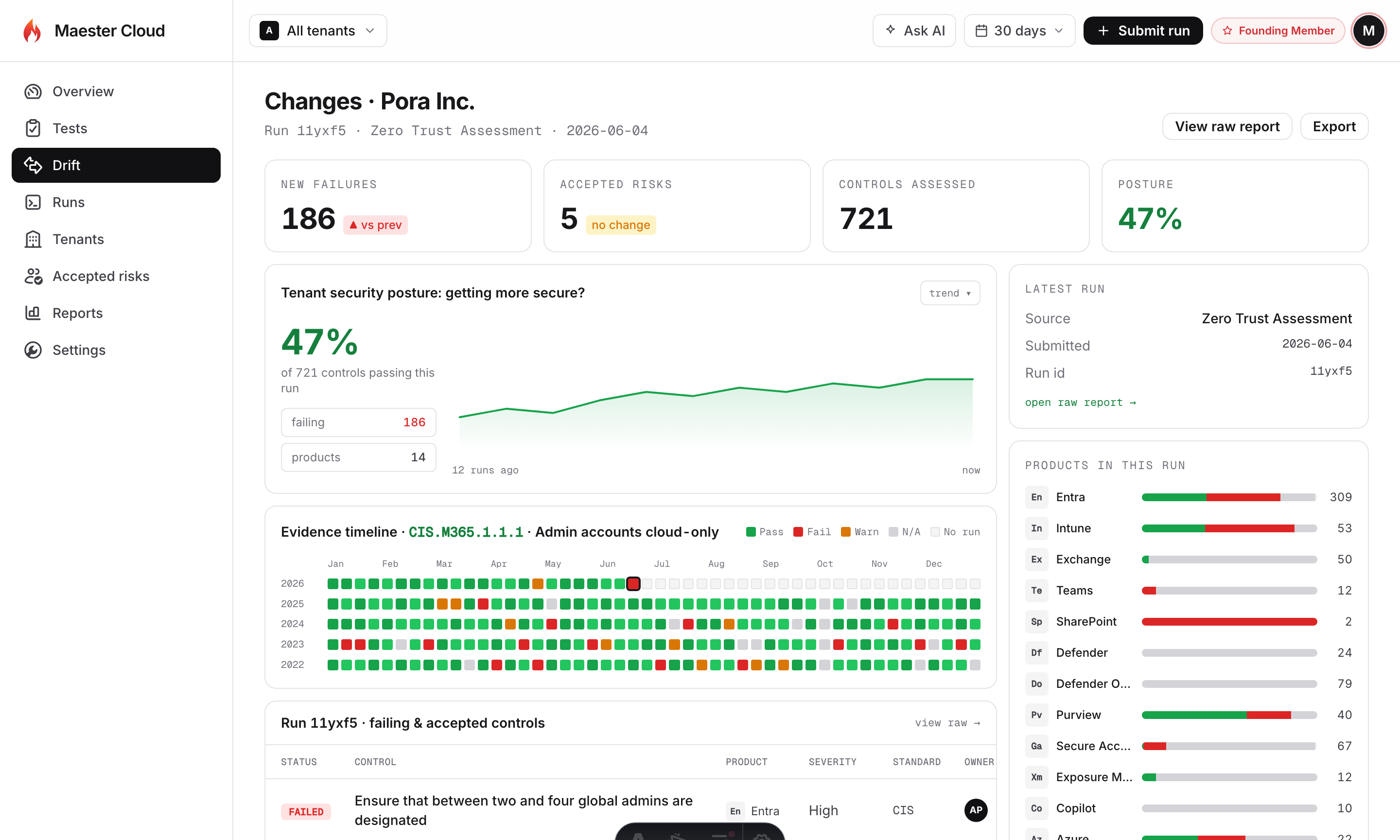
One workspace for your security evidence
Multi-tenant posture, per-check history, drift, and a managed runner. Try out the demo.
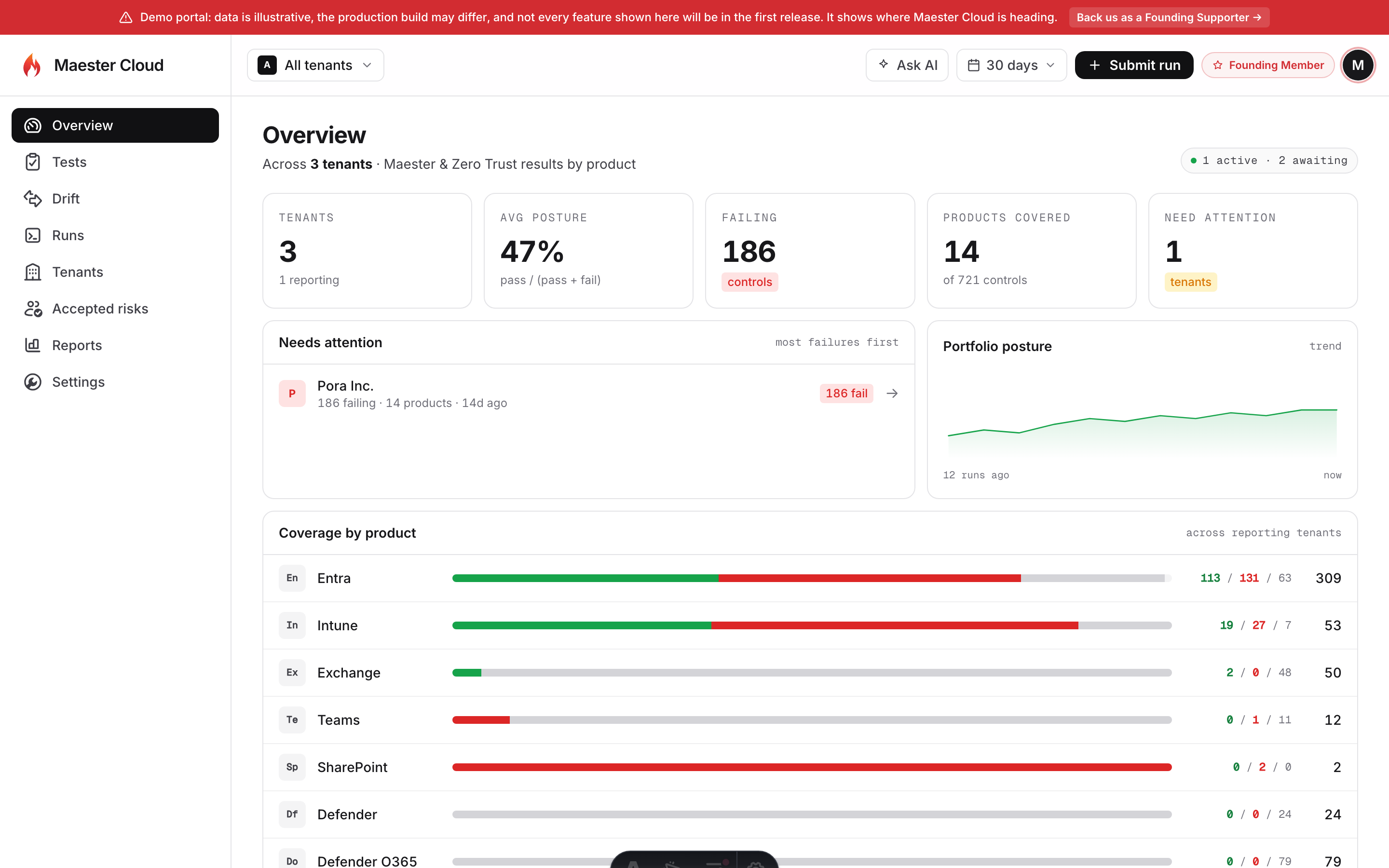
Every tenant’s posture, in one place
See posture, failing controls, accepted risks, and coverage across all your tenants, then scope the whole portal to any one of them.
- Portfolio posture trend
- Coverage by product
- Needs-attention, most failures first
Who it's for
Security & compliance teams
See every tenant’s posture in one place, and prove exactly what changed, when, and who changed it, years later, at audit time.
Identity & access teams
Catch drift on Conditional Access, privileged roles, and authentication methods the day it happens, not the week of the review.
Managed service providers
Manage many customer tenants from one portal, each with its own 5+ years of tenant history and its own isolated data.
Two ways to get your data in
Keep your existing Maester setup and add one cmdlet to send results from GitHub Actions or Azure DevOps, or let the hosted Maester Runner run everything inside Maester Cloud, no separate steps. Either way you get durable evidence, drift insights, and alerts.
Bring your own runner
Keep your setup, add one cmdlet to send results. Maester Cloud never connects to your tenant.
Maester Cloud Runner
fully hosted Run Maester inside Maester Cloud, no CI, no scripts
Connects only through an Entra app you control, using managed identity or federation, no secrets.
Maester Cloud your isolated instance Secure report ingestion
5+ years, in your region
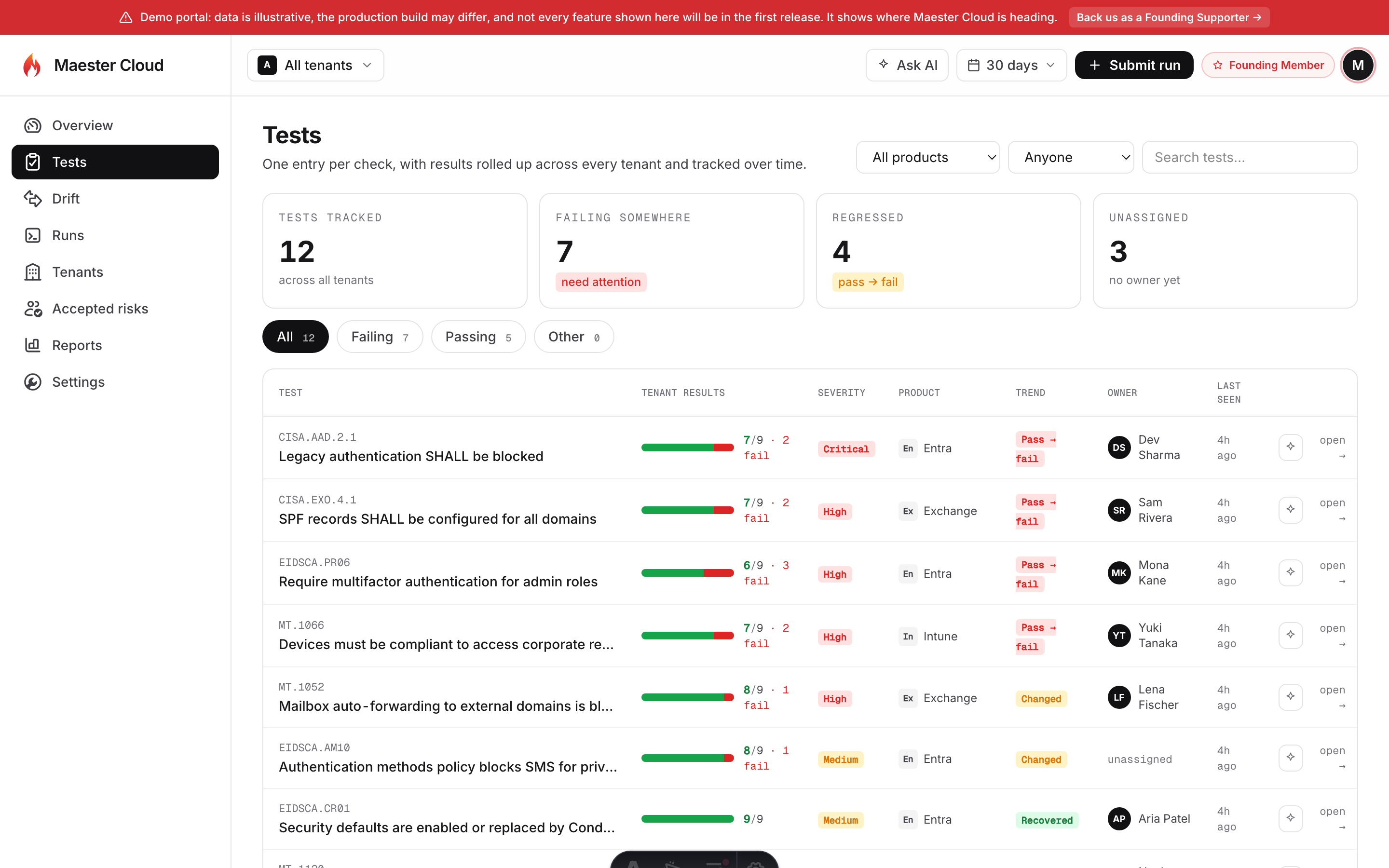
Compare every run
Reports, compliance, notifications
Flexible features for every team
Fast to set up, easy to adopt, and built to still hold up when an auditor asks about a change from three years ago.

5+ years of tenant history
Daily tenant history kept for 5+ years, searchable and comparable.

Multi-tenant view
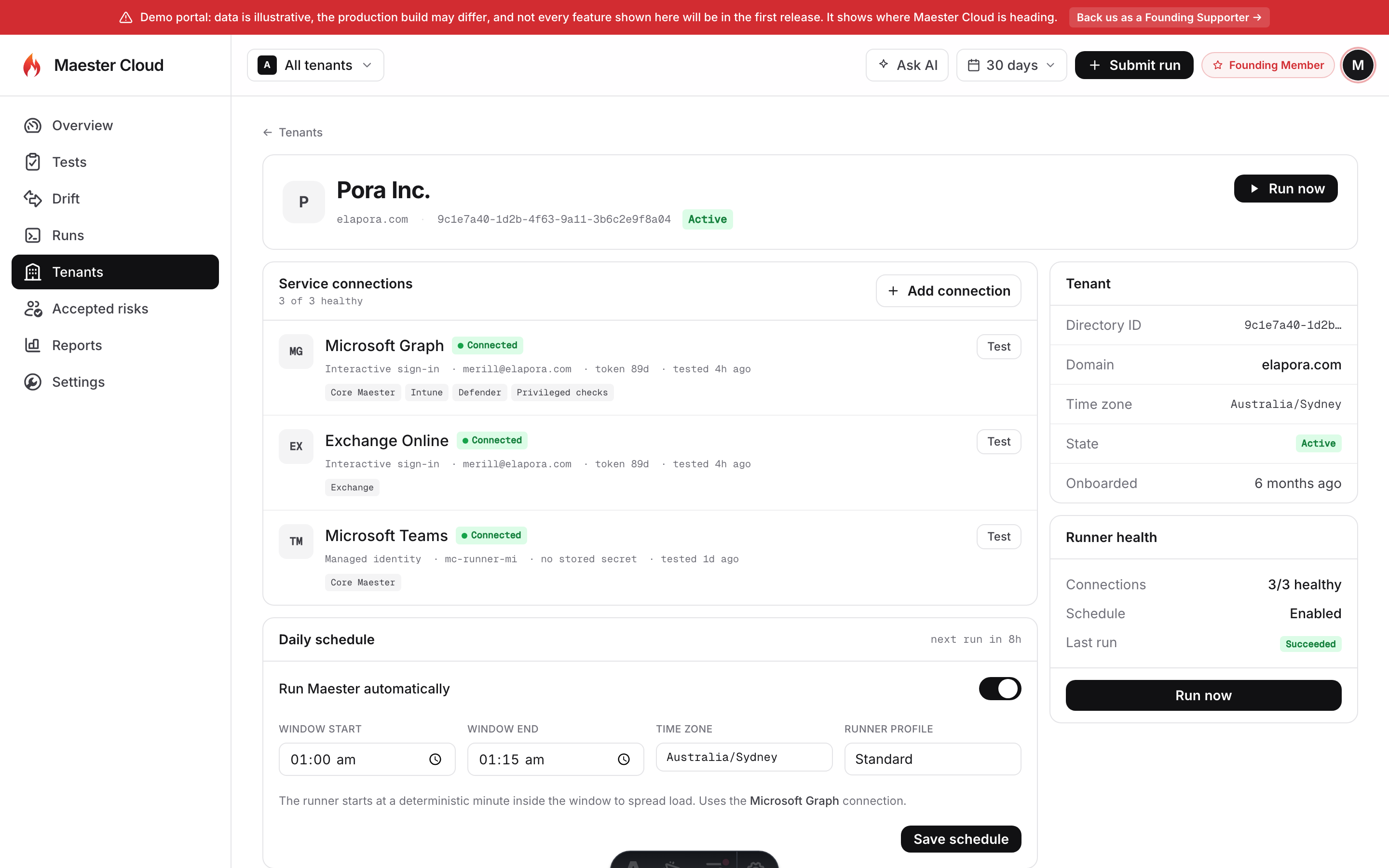
See every tenant’s posture in one place and switch between customers without re-authenticating.

Drift detection
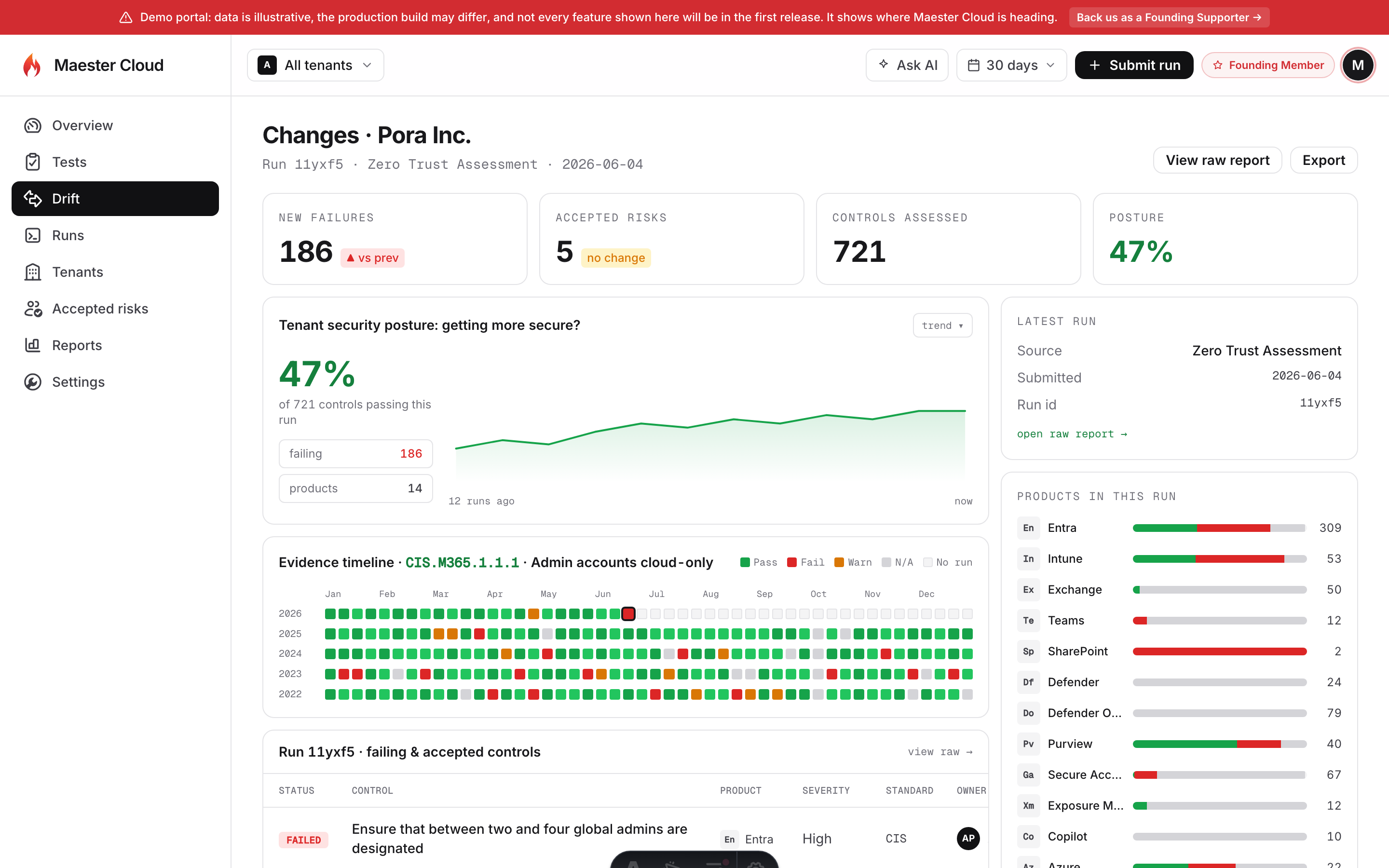
Each run is diffed against the last. New failures, fixes, and accepted risks pinned to a date and run ID.

Change alerts
Drift notifications from your own Microsoft 365 mailbox.

Regional residency
Pick your Azure region at setup; data stays in it.

Reports & export
Raw JSON + HTML preserved, plus exports and API tokens.
Self-host without compromise
Run Maester Cloud in your own Azure subscription or environment. Subscribe, sign in to your account, and set it up from there, with deployment guidance, support, and ongoing updates.
Deploy in your environment
Run Maester Cloud in your own infrastructure and choose how it is connected and operated.
Your data, your control
Keep Maester Cloud and its report data inside the environment you manage.
Support and ongoing updates
Guided setup, deployment support, regular updates, and new features as they ship.
Security and residency, built in
Hosted customers get a fully isolated instance, in the Azure region they choose. Every connection uses an Entra app you create and control. And when you send results from your own CI, Maester Cloud never connects to your tenant at all.
Your own isolated instance
Hosted gives you a 100% isolated Maester Cloud instance on dedicated Azure resources, with no shared login page and no multi-tenant Maester app with standing privilege into your tenant.
Identity you control
Maester Cloud and the Maester Runner use an Entra app you create and control, with managed identities and workload identity federation wherever Microsoft supports it. No secrets, no certificates, nothing to rotate.
Regional data residency
Choose your Azure region at setup. Your reports, results, and 5+ years of tenant history stay in-region.
Sending results from your own CI? Then Maester Cloud has no access to your tenant at all. You run the tests and push the output. With the hosted Maester Runner, access is limited to the Entra app you create and control.
Help keep Maester Core tests open and free
Every subscription funds new checks, better CIS coverage, docs, bug fixes, and security updates that remain available to the community.
Want Maester Cloud hosted for you? Join the waitlist.